Chat
The chat system allows multiple users of the same midas experiment to talk to each other. It may be useful if your experiment doesn't use a standalone chat application such as Slack or Teams.
Interfaces
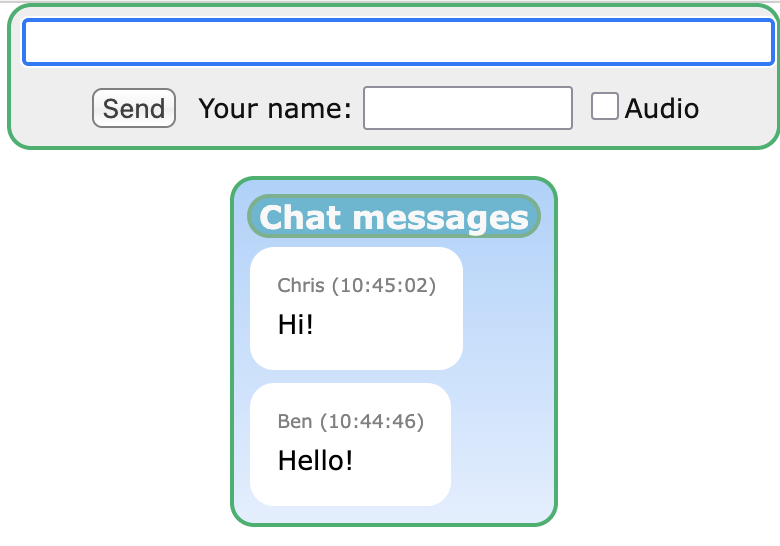
You can access the chat system using either the Chat webpage or the interactive odbedit chat command.
Features of the different interfaces
| Webpage | odbedit | |
|---|---|---|
| Send messages |  |
|
| View historical messages | |
|
| View new messages | |
|
| Play messages using speech-to-text | |
-
Webpage interface
-
Command-line interface
[local:test_expt:S]/>chat Your name> Ben Exit chat mode with empty line. > Hello! [Ben,USER] Hello! 10:44:46 [Ben,USER] Hello! #(1)! 10:45:02 [Chris,USER] Hi! #(2)!- This is a message we sent
- This is a message we received from another user
Implementation
Chat messages are normal midas messages that are send as User messages to the "chat" facility. They appear in the chat.log file, and may be also be written in midas data files.