Data analysis: overview
This page gives an overview of the ways to analyse midas data, online and offline, and to show the results on web pages.
For how events and banks are stored, see Event data format. For how midas files are written, see Data logging: midas files.
API reference: manalyzer, midasio, midas.file_reader
Midas records and moves your data, but the physics analysis is up to you. Analysis can be done at two times:
- Online, while data is being taken. An analyzer reads events from an event buffer (usually
SYSTEM) as they arrive, e.g. to fill histograms that show whether the experiment is working. An online analyzer usually only sees a sample of the events, so that it never slows down the data taking. - Offline, after the run, by reading the midas files that mlogger wrote. This sees every event, and can be repeated as often as needed.
The ways of analysing midas data are:
| Approach | Language | Online | Offline |
|---|---|---|---|
| An analysis framework, such as manalyzer | C++, optionally with ROOT |  |
|
Your own program that reads events from an event buffer, or midas files with midasio or midas.file_reader |
C++ or Python | |
|
| Converting midas files to ROOT or HDF5, then analysing those | Any | |
There is no Python analysis framework yet, but one is planned. Until then, Python programs can read midas files with midas.file_reader, and receive events online with the Python client.
Analysis frameworks
An analysis framework reads the events for you, online or from files, and calls your code for each run and each event:
| Framework | Language | Status |
|---|---|---|
| manalyzer | C++, optionally with ROOT | The midas analysis framework. Use it for new experiments |
| Python analysis framework | Python | Planned |
| ROOTANA | C++ with ROOT | Deprecated. Only documented for experiments that still use it |
Writing your own analysis program
Many experiments write their own offline analysis, which reads the midas files directly. Each midas file contains the events of a run (or subrun), and a dump of the ODB at the start and end of the file (see Event data format). Compressed files (e.g. .mid.lz4 or .mid.gz) are decompressed as they are read.
midasio reads and writes midas files, and doesn't need the rest of midas:
#include "midasio.h"

TMReaderInterface* reader = TMNewReader("run00123.mid.lz4");
while (TMEvent* event = TMReadEvent(reader)) {
   if (event->event_id == 1) {
      TMBank* bank = event->FindBank("ADC0");
      // ... use event->GetBankData(bank)
   }
   delete event;
}
reader->Close();
delete reader;
midas.file_reader reads midas files. To read the bank data into numpy arrays, pass use_numpy=True when you open the file, e.g. MidasFile("run00123.mid.lz4", use_numpy=True):
import midas.file_reader

mfile = midas.file_reader.MidasFile("run00123.mid.lz4")
odb = mfile.get_bor_odb_dump()           # ODB at the start of the run

for event in mfile:
    if event.header.is_midas_internal_event():
        continue
    if "ADC0" in event.banks:
        values = event.banks["ADC0"].data
$MIDASSYS/python/examples/file_reader.py is a complete example.
To read values from the ODB dumps in a file, see Reading a value from a saved midas file. For a quick look at the events without writing any code, use mdump, which prints the events in a file or an event buffer, or the Event Dump page, which shows the events in an event buffer while data is being taken.
Your own program can also analyse data online. Connect to the experiment, request events from an event buffer (usually SYSTEM), and analyse each event as it is received, in C++ or Python. See Event buffers: programming for how. Request the events with GET_NONBLOCKING or GET_RECENT (see Blocking vs non-blocking access), so that the analysis gets as many events as it can handle, without slowing down the data taking.
Converting to other file formats
Some experiments convert their midas files to other formats, such as ROOT files (with TTrees) or HDF5 files, and do their analysis on those. A midas file is a stream of events, compressed as a whole, so reading the event in the middle of a file means reading and decompressing everything before it. ROOT and HDF5 files can jump straight to any event, can read just the data needed, and can be used by many existing analysis tools.
The conversion is done by an analysis program, e.g. a manalyzer module that fills a ROOT TTree, or a Python program that writes HDF5 files with h5py. mlogger only writes midas files.
Showing results on web pages
JSROOT
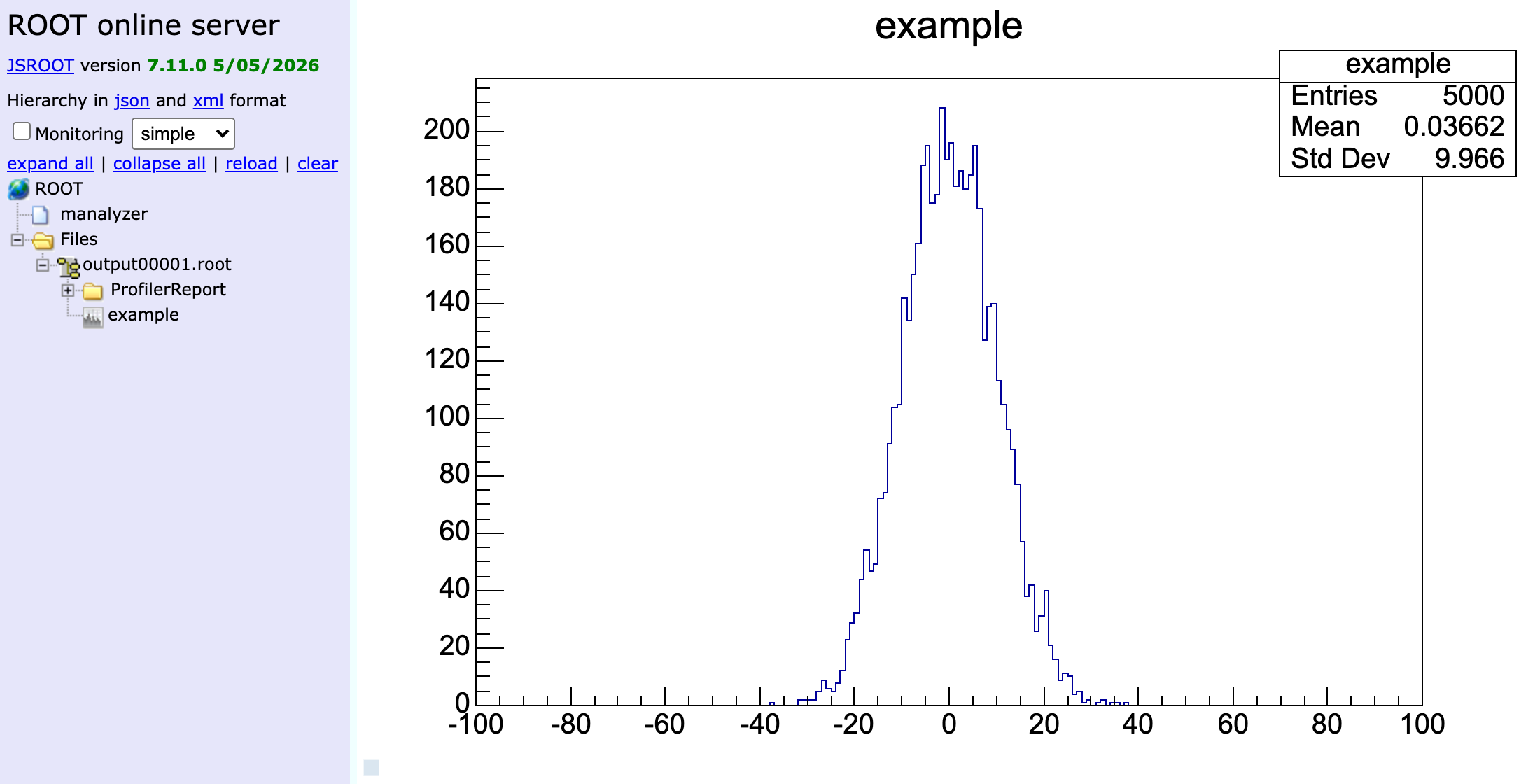
JSROOT shows ROOT histograms and other objects in a web browser:
- A manalyzer-based analyzer started with
-R8082runs a web server on port 8082, which serves its histograms as they are filled. Add--jsrootto keep the web server running after an offline analysis has finished - mjsroot (
mjsroot.exe -R8083 output00123.root) opens ROOT files (e.g. finished output files) and runs a web server on port 8083, which serves their contents
Choose ports that aren't used by mhttpd or other programs.
To reach these web servers through mhttpd (e.g. from outside the experiment's network), set up a proxy in /WebServer/Proxy, and a menu link to it.
Example: menu link to the online analyzer
With a manalyzer-based analyzer started with -R8082 on the same computer as mhttpd, create these two string keys in the ODB:
| ODB key | Value |
|---|---|
/WebServer/Proxy/Analyzer |
http://localhost:8082 |
/Alias/Analyzer& |
/proxy/Analyzer/ |
The menu then has an Analyzer link, which opens the analyzer's JSROOT page in a new tab, through mhttpd. Without the & at the end of the key name, the page opens in the same tab. With odbedit:
odbedit -c 'create STRING /WebServer/Proxy/Analyzer'
odbedit -c 'set /WebServer/Proxy/Analyzer http://localhost:8082'
odbedit -c 'create STRING "/Alias/Analyzer&"'
odbedit -c 'set "/Alias/Analyzer&" /proxy/Analyzer/'
mplot
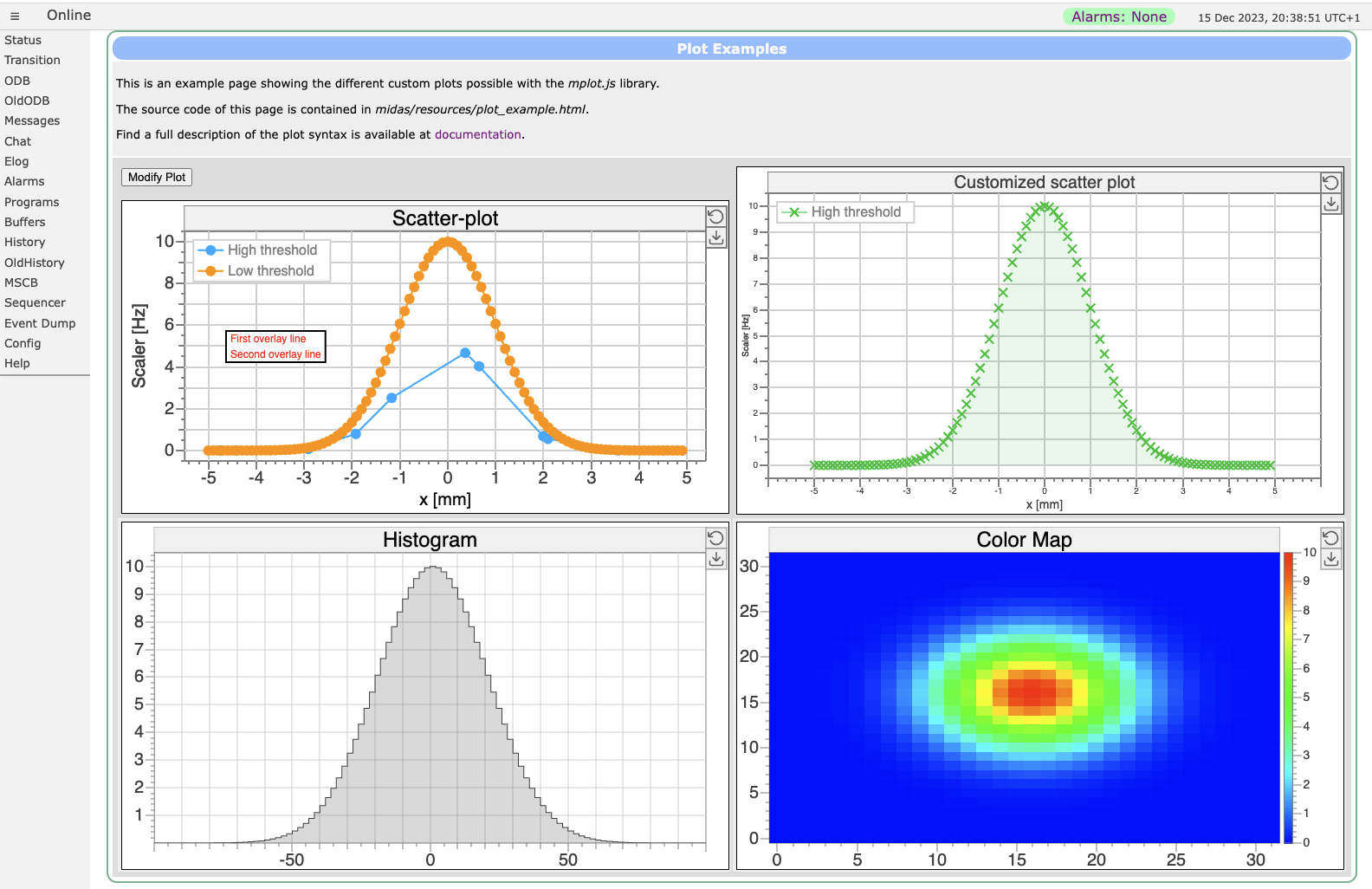
An online analyzer can make its results (e.g. the contents of a histogram) available in midas, so that a custom page can plot them with mplot. There are three ways to do this:
| The analyzer | The custom page |
|---|---|
| Writes its results to arrays in the ODB | Plots them with an mplot element with data-odb-path, which updates the plot every second |
| Answers RPC requests, with text (jrpc) or binary data (brpc) | Asks for the results with the jrpc or brpc JSON-RPC method, and plots the reply with setData() |
| Writes events with its results to an event buffer, e.g. every few seconds | Reads the latest event with the bm_receive_event JSON-RPC method, decodes its banks with bkToObj(), and plots them with setData() |
For RPC requests, the analyzer needs code of its own that handles them: manalyzer doesn't have a handler that returns results. Events written to an event buffer can also be written to the data files and recorded in the history, like the data of any other equipment. manalyzer_example_frontend.cxx shows how an analyzer can send events back into midas.